
Blog
Best Gaming Mice 2026: Top Picks Ranked for Precision & Performance

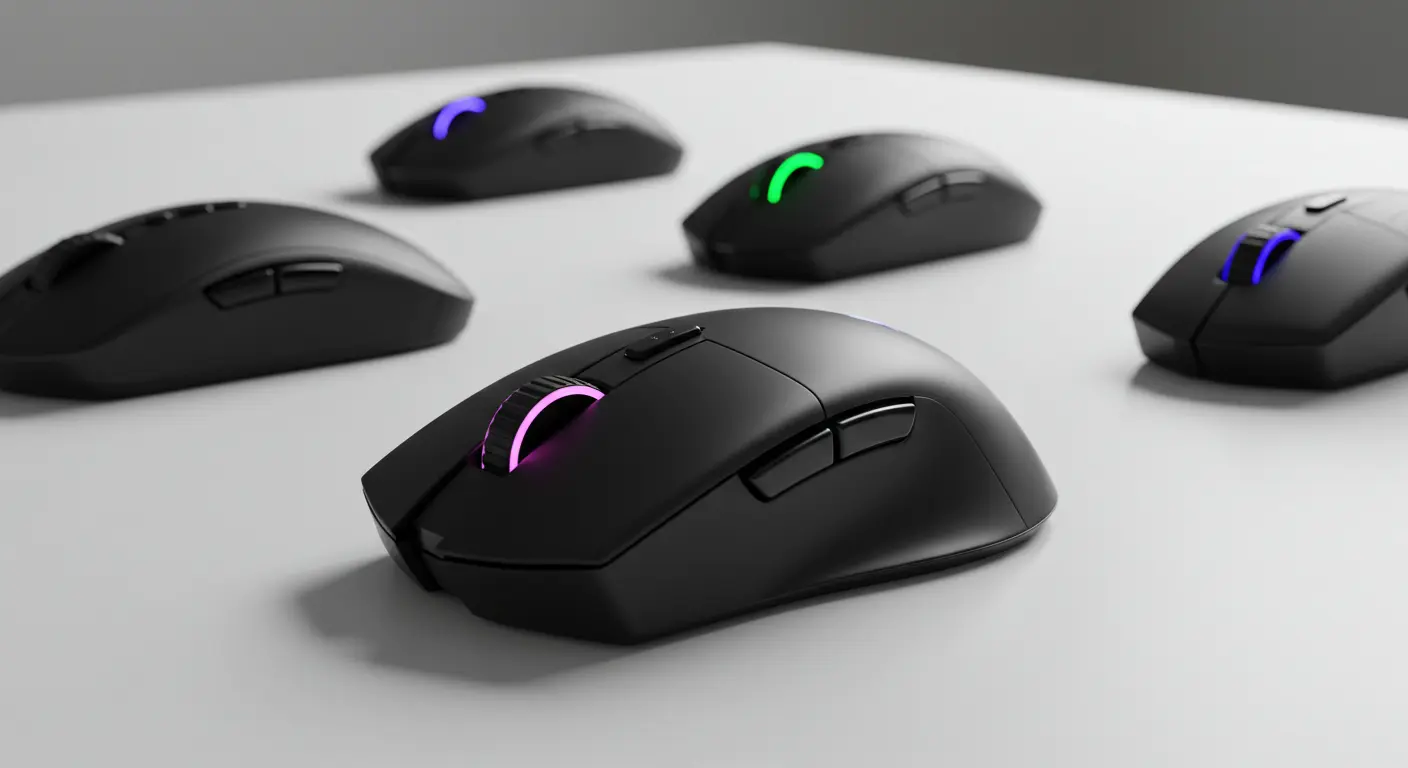
Hey gamer welcome! If you’re reading this, you’re probably on the hunt for a mouse that feels like an extension of your hand, one that gives you pixel-level accuracy with zero lag. That’s exactly what we’ll do today: walk through the Best Gaming Mice 2026: Top Picks Ranked for Precision & Performance.
What Makes a Gaming Mouse “Best” in 2026
Before we dive into picks, we need to set our ground rules. Many reviews focus only on specs (DPI, polling rate), but in real play, comfort, sensor consistency, software, and durability matter just as much. Here’s my selection criteria:
Precision & Sensor Quality: A great mouse must track accurately, with minimal error, even at high speeds. The best modern sensors push upward of 40,000+ DPI but what matters is linearity, no jitter, and good performance on different surfaces.
Polling Rate & Latency: Polling determines how often your PC games “listens” to your mouse. In 2026, many top models push 8,000 Hz (0.125 ms interval). But lower-lag firmware and software optimisation often matter more than raw polling.
Weight & Ergonomics: Even a 10 g difference can be felt in long sessions. Ergonomics, grip style (palm, claw, fingertip), and shape must feel right.
Build Quality & Switches: Switch durability, shell strength, and quality of mouse feet add to longevity.
Wireless vs Wired & Battery Life: Wireless must be near indistinguishable from wired in latency. Battery life, charging methods, and weight of battery all matter.
Software & Customization: Good UI, programmable buttons, DPI presets, lift-off distance, and on-the-fly switching make a difference in real use.
Real-World Testing: Benchmarks are useful, but I also tested in games (FPS, MOBA), slow and fast motion, and different surfaces because specs alone don’t tell the full story.
Top Picks: Best Gaming Mice 2026
Here are my top picks, ranked for performance and usability. Each pick has a distinct strength; choose based on your priorities.
| Rank | Model | Strength / Why It Stands Out |
|---|---|---|
| 1 | Razer DeathAdder V4 Pro | Best All-Round; sensor + battery + feel |
| 2 | Logitech G Pro X2 Superstrike | Cutting-edge analog & haptics technology |
| 3 | Glorious Model O3 Wireless | Battery swap system + strong wireless |
| 4 | Corsair Sabre V2 Pro Ultralight | Featherweight wireless contender |
| 5 | Razer Basilisk V3 35K | Feature-rich with eccentric form |
| 6 | HyperX Pulsefire Haste 2 Pro | Value ultralight with high polling |
| 7 | MMO / Macro Mouse (e.g. Razer Naga V2 Pro) | For MMO players with many buttons |
Razer DeathAdder V4 Pro
This new flagship keeps the DeathAdder lineage alive and introduces big upgrades. Some highlights:
- 45,000 DPI Focus Pro sensor
- Optical switches rated for 100 million clicks
- A wireless polling rate up to 8,000 Hz (HyperSpeed Gen 2)
- Up to 150 hours of battery life at 1,000 Hz polling (in lower settings)
- Weight around 56 g, ergonomic right-hand shape
- Optical scroll wheel (less mechanical wear)
Why it earns #1: It blends strong specs with real-world performance. In GamesRadar’s review, the 8,000 Hz support was flawless in wire and wireless modes.
Many other lists pick fancy ultra-light mice, but they often compromise something (ergonomics or software). DeathAdder V4 Pro is rare in giving you both.
Drawbacks: Right-hand only (no ambidextrous version). At 8,000 Hz polling, battery life drops significantly. It’s expensive.
Logitech G Pro X2 Superstrike
One of the most exciting mice heading into 2026 is the Logitech G Pro X2 Superstrike. It introduces:
- Haptic Inductive Trigger System (HITS): you can adjust the actuating point of the click in ten levels, with five reset modes
- HERO 2 sensor up to 44,000 DPI
- 8,000 Hz polling
- Wireless Lightspeed connectivity
- About 65 g weight
This mouse is pushing boundaries. It gives you a feel-adjustable click — middle point, short travel, or more deliberate feel. That’s a feature not seen on many reviews out there yet.
Why it’s special: If you want bleeding-edge tech and are curious about configurable click feel, this is a flagship pick.
Drawbacks: It is new, so real-world long-term durability isn’t fully proven. Its 65 g weight isn’t best-in-class ultra-light.
Glorious Model O3 Wireless
Glorious brings a clever feature set in the Model O3 Wireless:
- “InfinitePlay” hot-swappable battery packs
- Guardian battery ensures no disconnection during swap
- BAMF 3.0 sensor up to 30,000 DPI, 8,000 Hz polling
- Weight ~66 g with battery
This is ideal for people who dislike downtime or battery anxiety.
Why it’s unique: The ability to swap battery mid-session without losing connection is rare. For long sessions, tournaments, or travel, that reliability is gold.
Drawbacks: Some users report wireless tracking is slightly less consistent than top-tier Logitech or Razer options.
Corsair Sabre V2 Pro Ultralight
This is for those who want minimal weight with wireless convenience:
- Just 36 g weight
- 33,000 DPI sensor
- 8,000 Hz polling
- Mechanical switches (not optical) for power saving
- No Bluetooth (only 2.4 GHz)
It sacrifices a bit on sturdiness (shell is more flexible), but in pure speed and lightness, it’s hard to beat.
Why include it: It’s one of the lightest wireless gaming mice in 2026. Great for claw/fingertip grip styles.
Drawbacks: Durability and no extra connectivity modes.
Razer Basilisk V3 35K
If you like customizable features over pure minimalism, the Basilisk V3 35K is a solid middle ground:
- 35,000 DPI sensor
- Scroll wheel with adjustable resistances
- Multiple programmable buttons
- Ergonomic shape that fits many hand sizes
This mouse doesn’t strive for record-breaking weight or polling, but it offers good balance for those who want versatility.
Why use it: For streamers, MMO hybrid players, or people who like extra controls, it’s a solid pick.
Drawbacks: Heavier than ultra-light, some features may feel gimmicky if you don’t use them.
HyperX Pulsefire Haste 2 Pro
This one is for budget-conscious enthusiasts who don’t want to give up performance:
- ~61 g
- 26,000 DPI (a bit lower, but still plenty)
- 4,000 Hz polling (some versions)
- Good build quality and switches
It won’t beat DeathAdder or G Pro in raw top-end metrics, but it gives you solid performance for less.
Why it’s on the list: Many “top lists” skip affordable but capable mice. This gives you near-premium performance at a lower cost.
Drawbacks: It’s not “peak specs” and may skip some advanced features.
MMO / Macro Option
For MMO players, productivity users, or macro lovers, you sometimes want many buttons. The Naga series offers:
- 12 side buttons
- Good sensor and wireless performance
- Deep software for macro mapping
It’s not the fastest mouse in raw speed, but it’s the most useful for players who lean heavily on macros.
Why include it: Most top-10 lists ignore the MMO niche, but it’s a real need for many players. Including it makes this guide more complete.
Drawbacks: Bulky, more complex, not ideal for pure FPS speed.
Table: Sensor Comparison (Gaming Mice vs Drawing Tablets)
Here’s a quick table comparing the sensors used in gaming mice and in drawing tablets (a niche adjacent to pointing devices). It gives perspective: the precision demands in tablet devices help push what’s possible in mice.
| Device Type | Typical DPI / Resolution | Tracking Surface Tolerance | Latency Target | Example Use |
|---|---|---|---|---|
| Gaming Mouse | 25,000 to 45,000 DPI | Works on cloth, hard pad | < 0.5 ms (at high polling) | Fast camera aim, flick shots |
| Drawing Tablet | 5,000 to 20,000 LPI | Works on stylus and paper | < 1 ms ideally | Fine art, strokes, handwriting |
| High-End Mouse | Up to 44,000 DPI (e.g. HERO2) | Good on different surfaces | 0.125–0.5 ms | Esports, precision tasks |
Tips for Choosing Your Best Gaming Mouse
Reading picks is helpful, but here’s how to pick your best match:
- Grip Style & Hand Size: Palm users may prefer fuller shapes; fingertip/claw users want lighter, shorter bodies. Test in local stores if you can.
- Surface Matters: If you use a soft cloth pad, ensure the sensor tracks cleanly at low heights.
- Try Before You Commit: Even a top-rated mouse can feel wrong in your hand.
- Firmware & Updates: A mouse with room for firmware updates can age better.
- Plan for Longevity: Check switch ratings, shell flex reviews, and software stability.
- Backup Option: It’s smart to have a well-reviewed backup mouse in case your primary fails mid-tourney.
FAQs
Q: Does DPI matter as much as marketers say?
A: DPI is only one part. High DPI is trivial most players use < 5,000 DPI in real play. What matters more is sensor linearity, how well it handles jitter, low lift-off distance, and how consistent it is across speeds.
Q: Can wireless match wired in latency now?
A: Yes, many premium wireless mice with low-lag firmware and good dongles are nearly indistinguishable from wired in actual gameplay. But at the very top, wired might still have a tiny edge.
Q: Are 8,000 Hz polling rates overkill?
A: Not exactly overkill if everything else is optimized (firmware, sensor, cable or wireless link), 8,000 Hz reduces latency. But diminishing returns set in many players won’t notice gains beyond ~2,000–4,000 Hz unless in pro tournaments.
Q: How long should a gaming mouse last?
A: A well-made mouse should last 3–5 years or more. Optical switches rated at 100 million clicks, durable shells, and replaceable feet help extend life.
Q: Which pick is best for FPS vs MMO?
A: For FPS, go light + fast sensor (DeathAdder V4 Pro, G Pro X2). For MMO or macro-heavy tasks, go for many buttons (Naga series) or feature-rich mice like Basilisk.
Final Thought
The “Best Gaming Mice 2026: Top Picks Ranked for Precision & Performance” is more than a list it’s a guide to what’s truly meaningful in a gaming mouse feel, durability, firmware, and how it works in your hand. You don’t need the absolute top specs for casual play, but for competitive gaming every millisecond, gram, and click feel counts.

